Start Software
Starts a software application.
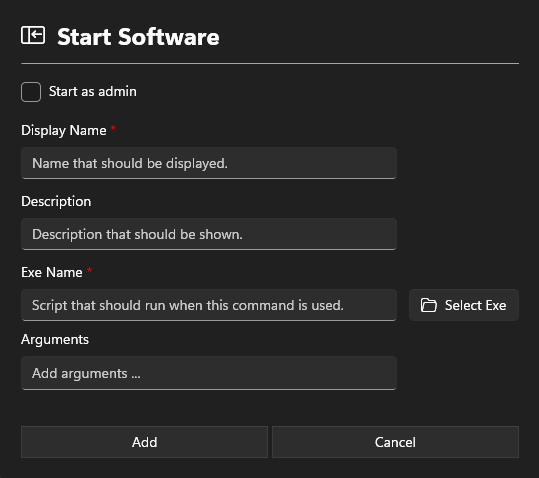
Information section
Display Name
Add a Display Name. This name will show in the App Configurations.
Description
The description is also displayed in the App Configurations and may contain information about the software.
Exe Name
Enter the path to the executable to be started.
Arguments
Arguments for starting the software.
Settings section
Start as Admin
Starts the software as an administrator. If no administrative rights are available, the standard Windows credentials prompt will appear.